
Features
Inspection day, piece by piece
Planning a day of inspections today means a spreadsheet, a My Maps tab and a lot of dragging. VestaGlass does that work on one map that reads from Rentvine.
You can't see which doors sit near each other.
The portfolio map
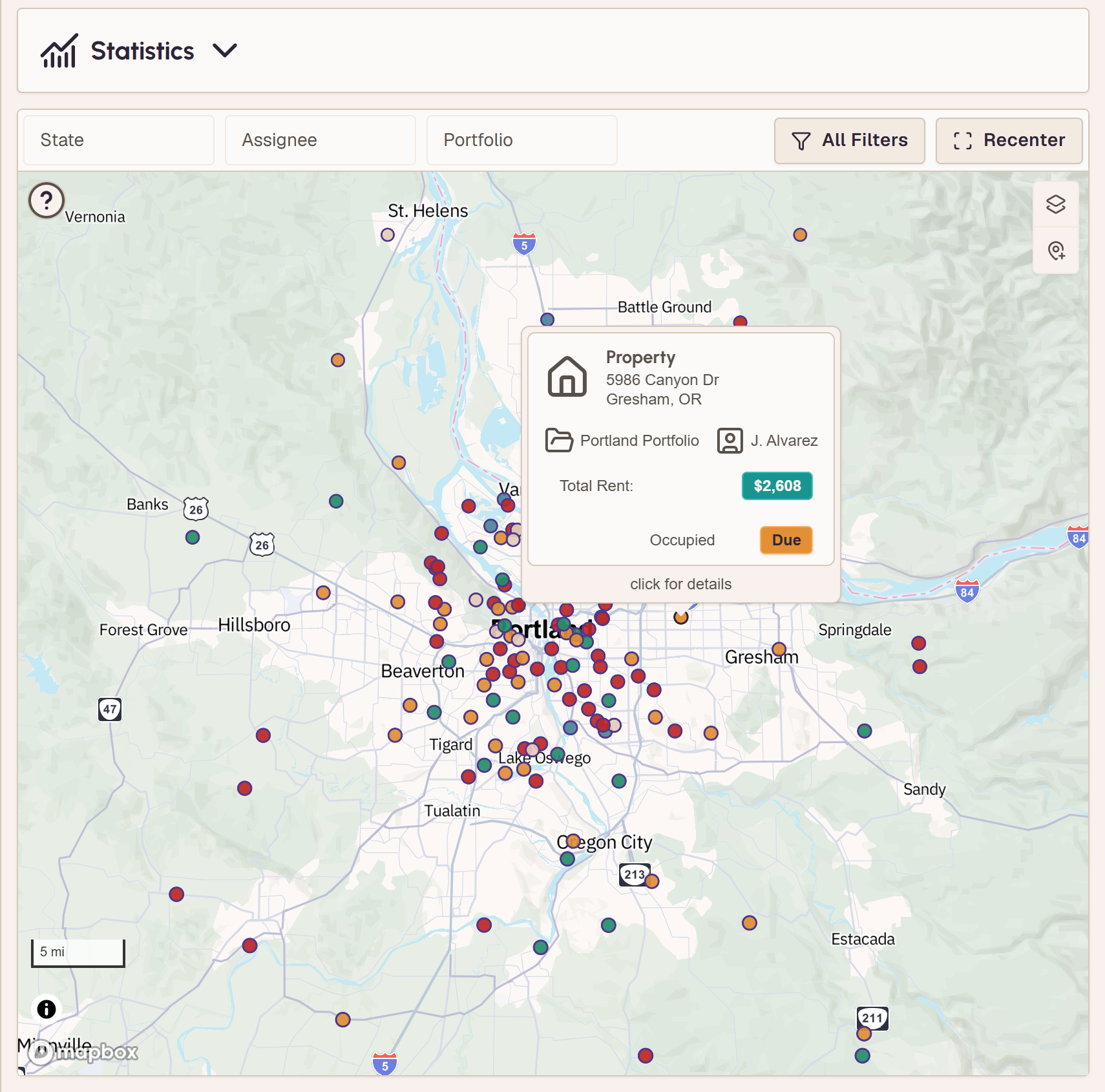
Every door Rentvine has an address for, plotted on one map, synced nightly and on demand. Filter to a portfolio, an assignee, a ZIP, a property type or an inspection status, and zoom from the whole book of business down to a single unit. Hovering a property gives you its portfolio, its assignee, its rent and where its inspection stands.
What's due lives across your PMS, a calendar and memory.
Due dates that arrive on their own
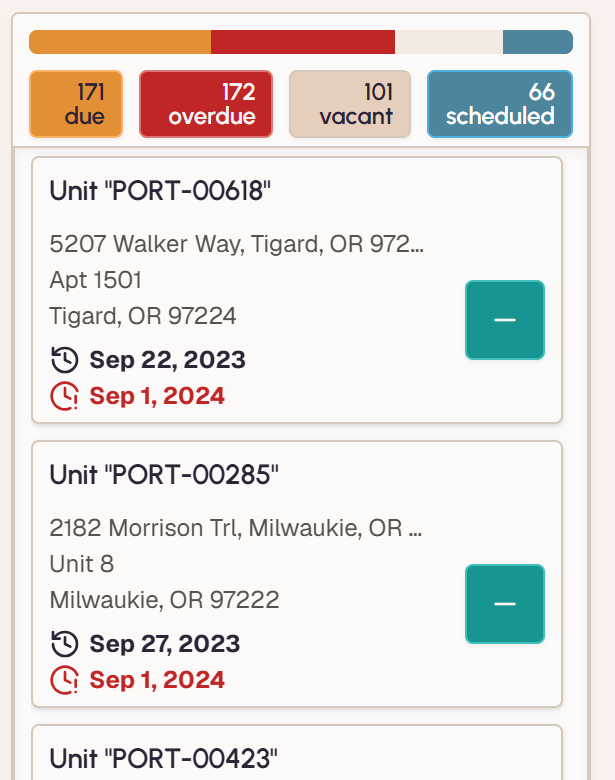
Due dates come from what Rentvine already knows, the last inspection date on the unit or the move-in and move-out on the lease, plus the intervals you set once in settings for occupied and vacant doors. Nothing to re-enter and no calendar to keep. Overdue, due and coming up are coloured on the map, so a day gets built by picking doors off it instead of hunting through a list.
You guess at distances and redo the route when something changes.
Real drive times per leg
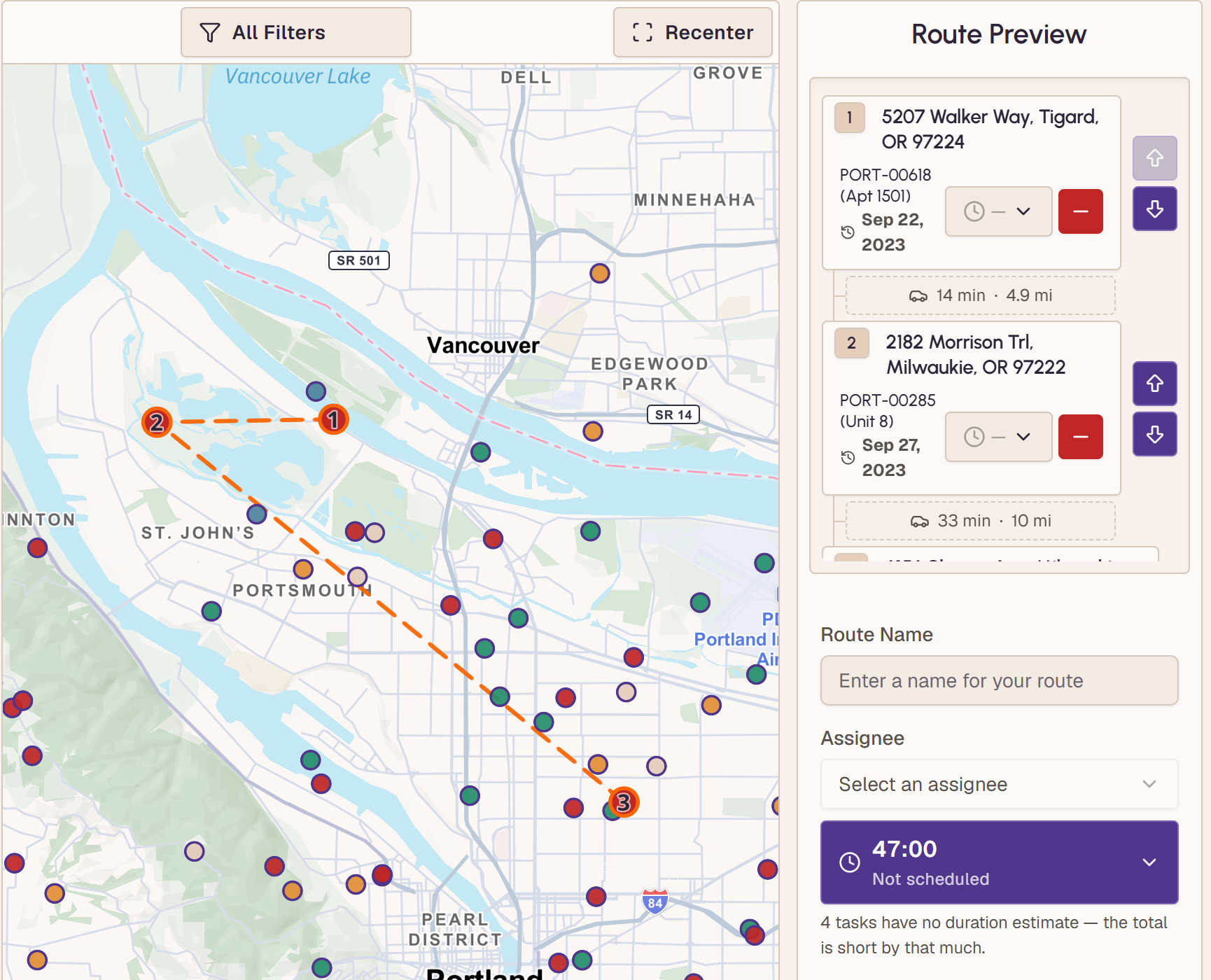
Pick the doors that are due and drop them into a day. Every leg shows its real drive time for the hour you'll actually be on the road, traffic and all, rather than a straight line, so the stop that strands you across town shows up as a number while you're planning. Move it and the legs recalculate.
The plan is in one person's head, and they're driving today.
Assign the route to whoever runs it
A route belongs to a person, not to the browser it was planned in. Six roles carry their own permissions, so a coordinator can plan a day an inspector runs, a technician sees maintenance work and nobody sees a screen that isn't theirs.
The inspector gets a printout or a group text.
A route the field can run
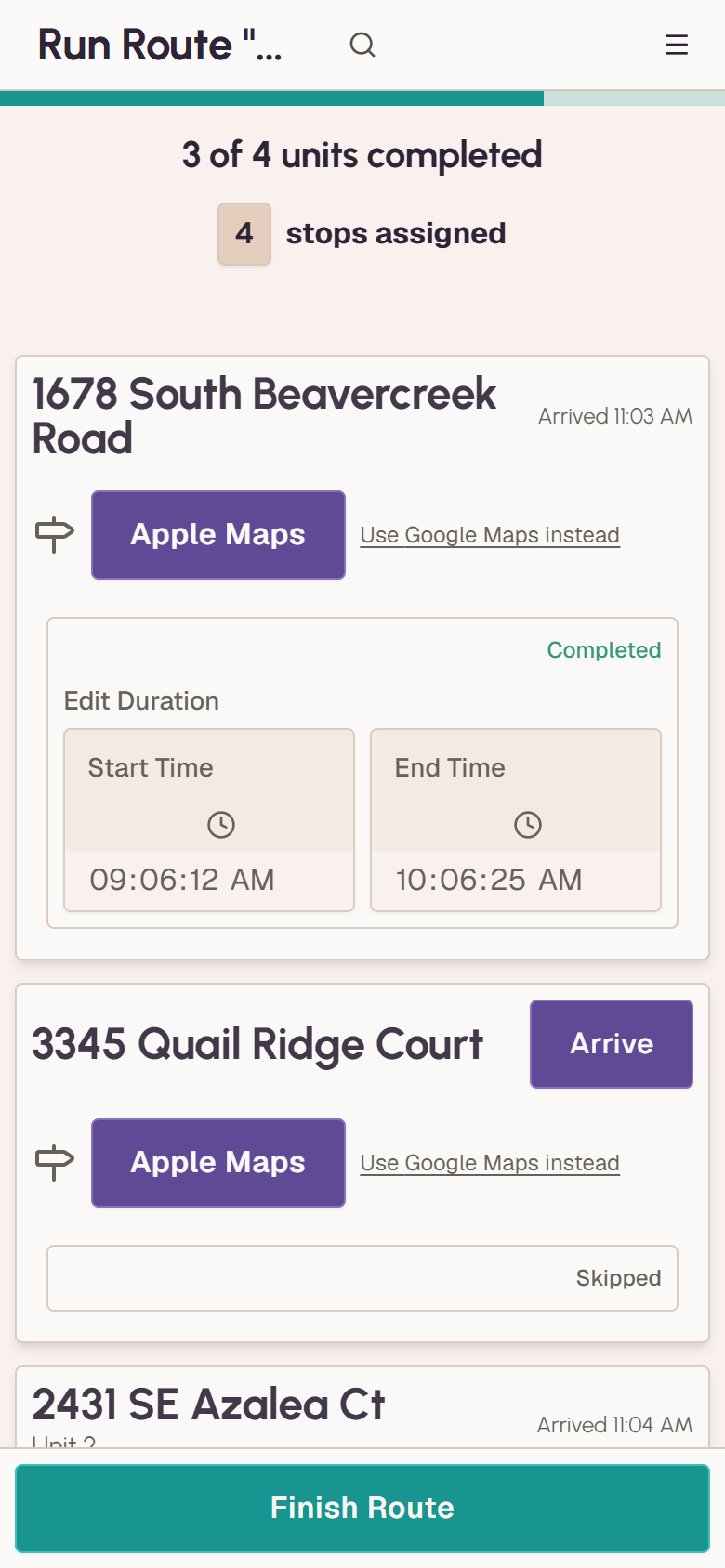
The day goes with whoever is driving: the stops in order, with addresses, on their phone. One tap opens turn-by-turn in Apple or Google Maps, and arrivals are recorded as they happen, so the day leaves a record of when it actually ran. Finishing the route records the inspection date in VestaGlass. Turn on write-back and it lands in Rentvine too.
It reads Rentvine. Writing back is off until you turn it on.
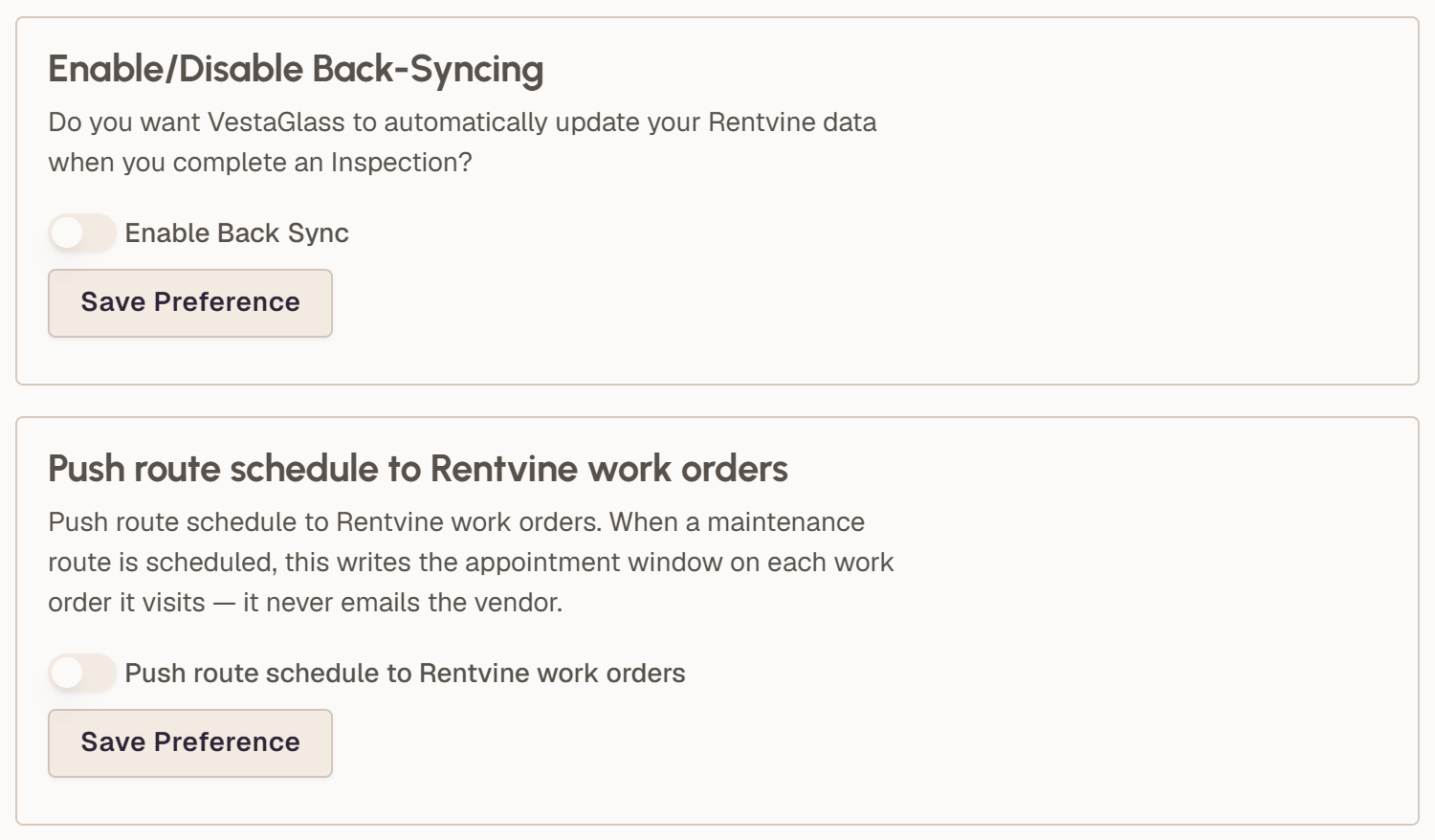
VestaGlass pulls your portfolio out of Rentvine and hands back a plan. The two things it can write back, the inspection date when a route is completed and the appointment window on a work order you've put on a route, are off unless you turn them on. It never touches your accounting. Most property software adds work; this removes it.
See it on your own portfolio
Connect Rentvine and see your map in minutes. Cancel any time before your trial ends.
What managers weigh before connecting, answered.